ANVL documentation
ANVL is a Rust engine for native apps. It draws the whole interface on the GPU, lays it out with flexbox and grid, and runs the same code on Windows, Linux and Android. These pages cover everything you need to build and ship your own app on it.
div(), text and icons.
InteractionClicks, keyboard, scrolling, gestures and motion.
Android and desktopBuild an APK and an EXE from one codebase.
ReferenceCrates, environment variables and every module.
What ANVL is
anvl_gpu.ANVL is two crates, and apps built on them:
| Crate | What it does |
|---|---|
anvl_gpu | Rendering. A wgpu renderer (DX12 on Windows, Vulkan or GLES on Android and Linux, Metal on macOS) that draws rounded rectangles, shadows, gradients, glass blur, paths, icons, images and text. Its own glyph atlas, PNG/JPEG/GIF/BMP decoders and hardware video decoding. |
anvil_ui | The UI layer. The element tree with Taffy layout, interaction (actions, focus, scrolling, gestures), immediate-mode widgets, motion, the ADL design tokens, the app runner, window input and platform services (clipboard, soft keyboard). |
The apps in the repository are real users of the engine and good references:
apps/anvl_starter (the template these docs walk through), apps/anvil_note
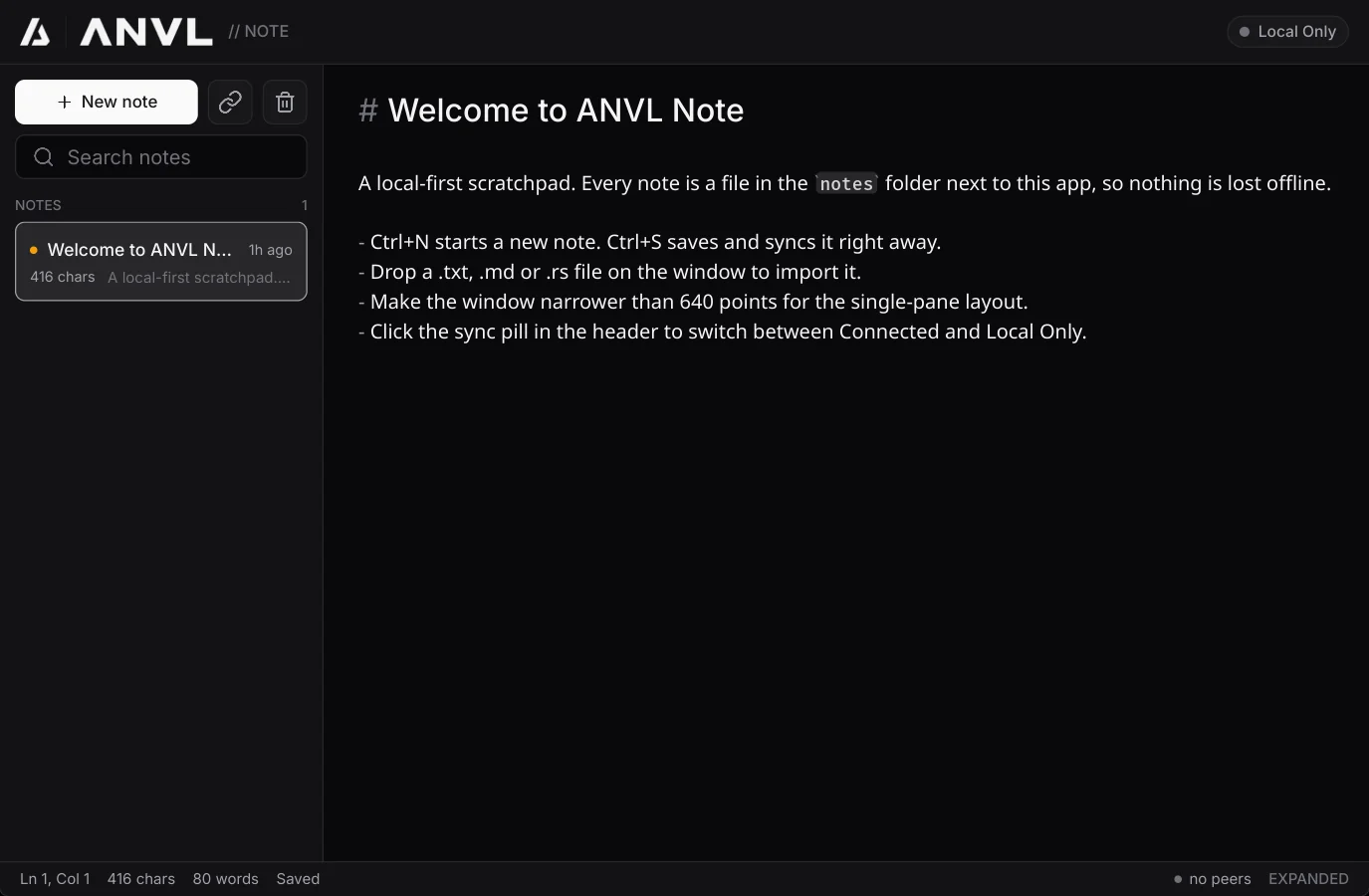
(ANVL Note: a Markdown editor with encrypted sync, on desktop and Android) and
apps/anvil_launcher (ANVL Launcher: an app catalog and installer). The workspace also
holds anvil_app and anvil_core, an older kiosk demo kept as it was; new
apps do not need them.
The shape of an app
Every ANVL app follows the same loop:
- Events in. Window events (mouse, touch, keys) go into a
WindowInput. - Build the screen from your state. Each frame you describe the whole UI as an element tree. Controls carry a message, such as
.on_click(Msg::Delete(id)). - Messages out. After the frame,
ui.take_actions::<Msg>()returns what the user did, and yourupdatechanges the state. The next frame shows it. - Sleep. When nothing moves, the app draws nothing and uses no CPU until the next event.
The app runs on its own UI thread, apart from the window's thread, so the operating system can never freeze it (holding the title bar on Windows used to), and animation runs at the display's own refresh rate: 60, 144 or 280 Hz.
Principles
- GPU-drawn. No platform widgets and no web view: every pixel is ANVL's, so an app looks and behaves the same everywhere.
- Local-first. Apps keep their data on the device and work offline. Sync is a feature, not a requirement.
- Small. Few dependencies. Images, icons, fonts and video decoding are the engine's own.
- One design language. ADL: tokens for color, radius, type and motion that every widget uses, so apps match without effort.
Status
ANVL is young. The element tree, interaction and the runner are new (anvil_ui 2.0, phases 0 to 2).
Ready-made components (button, input, dialog as elements) arrive in phase 3; until then you build
them from div() in a few lines, or use the immediate-mode widgets, which are complete.
The crates are not on crates.io yet: you build apps inside the ANVL workspace.