Getting started
Install the tools, run the starter app, then copy it to make your own.
1. Install the tools
- Rust 1.82 or newer, from rustup.rs (the workspace is tested on 1.93).
- A GPU driver with DirectX 12 (Windows), Vulkan (Linux, Android) or Metal (macOS). Any GPU from the last ten years works.
- For Android (optional): Android Studio's SDK and NDK, and
cargo-apk. See Android.
2. Get the workspace
ANVL apps live in the ANVL workspace, next to the engine crates. The workspace's
Cargo.toml includes every folder under apps/, so a new app is picked up
by creating its folder.
anvil_engine/
├── Cargo.toml           the workspace: shared versions of every dependency
├── crates/
│   ├── anvl_gpu/        rendering, text, images, icons, video
│   ├── anvil_ui/        elements, layout, interaction, widgets, runner
│   └── anvil_app/, anvil_core/   an older kiosk demo, kept as it was
└── apps/
    ├── anvl_starter/    the template
    ├── anvil_note/      ANVL Note
    └── anvil_launcher/  ANVL Launcher
3. Run the starter
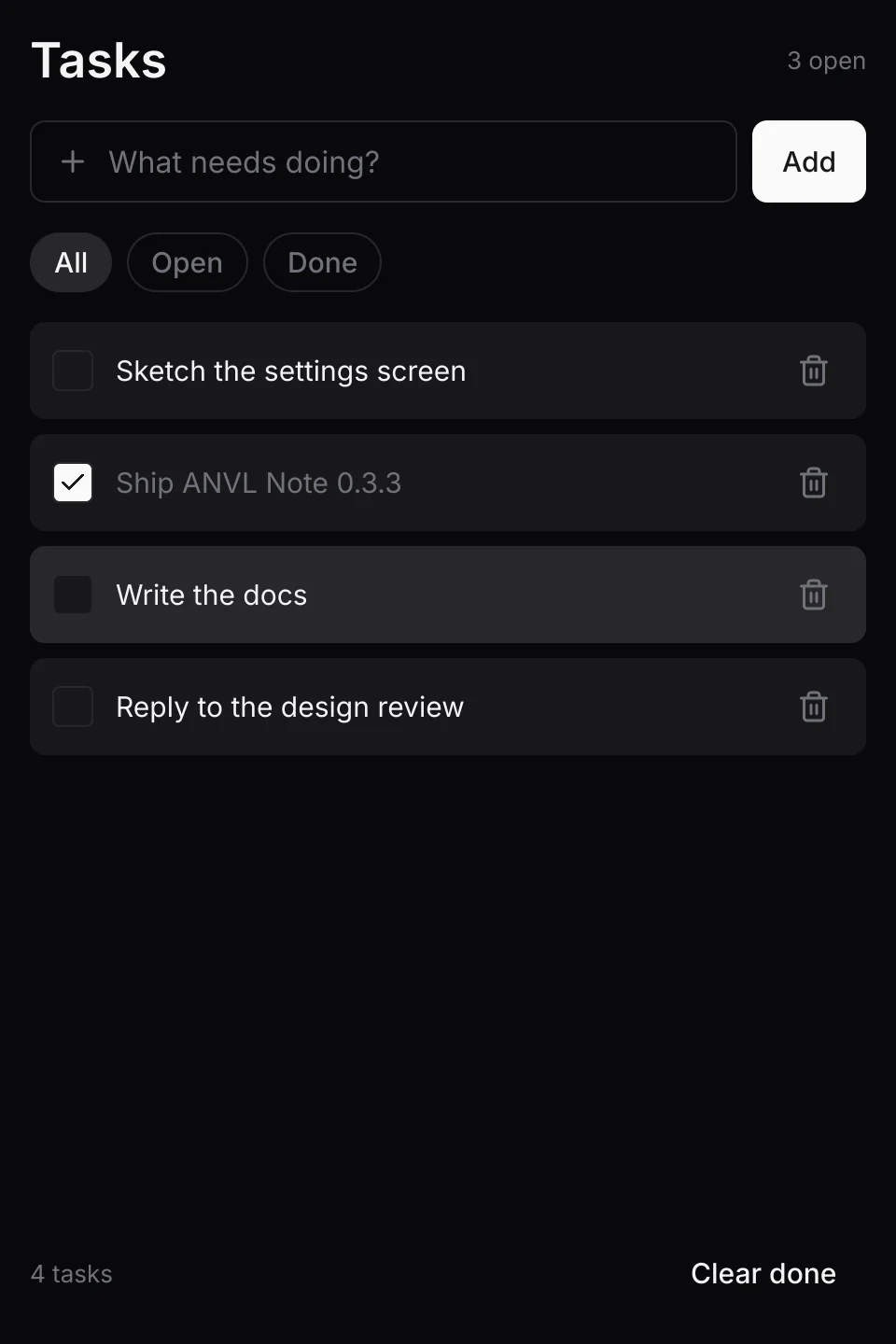
cargo run -p anvl_starter --releaseA task list opens. Type a task and press Enter, click a task to tick it, click the bin to
delete it, and use the toast's Undo to bring it back. Tasks are saved in tasks.txt in
the folder you ran it from (set ANVL_STARTER_DIR to choose another).
4. Make your own app
Copy the starter and rename it:
cp -r apps/anvl_starter apps/my_appThen edit apps/my_app/Cargo.toml:
[package]
name = "my_app"
version.workspace = true
edition.workspace = true
license.workspace = true

[lib]
name = "my_app_lib"
crate-type = ["cdylib", "rlib"]   # cdylib is the Android build, rlib the desktop one

[[bin]]
name = "my-app"
path = "src/main.rs"

[dependencies]
anvil_ui.workspace = true
winit.workspace = true
glam.workspace = true

[target.'cfg(target_os = "android")'.dependencies]
winit = { workspace = true, features = ["android-native-activity"] }

[package.metadata.android]
package = "com.example.myapp"
apk_name = "my-app"
build_targets = ["aarch64-linux-android"]
In src/main.rs, change anvl_starter_lib::run to my_app_lib::run, and
in src/app.rs change the window title. Run it:
cargo run -p my_app --releaseThe library and the binary need different names even after hyphens become underscores
(my_app_lib and my-app above), or their debug-symbol files collide on
Windows.
Next
Your first app walks through the starter's code, so you know what each part is for before you change it.