Design system
ADL is ANVL's design language. Every widget and element draws with its tokens, so apps look like one family and a theme change recolors everything at once.
The theme
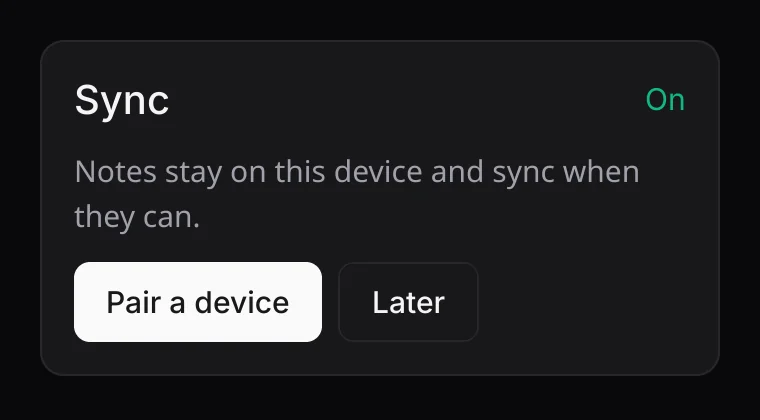
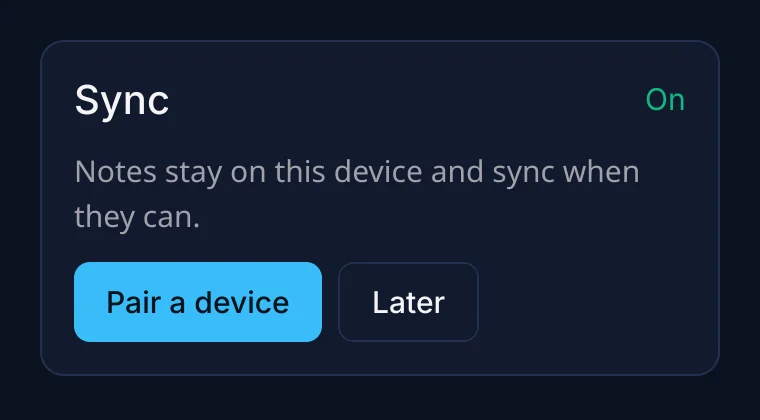
ui.theme() is the current Theme; ui.set_theme(theme)
replaces it from the next frame. Theme::adl_dark() is the default: dark zinc. Make your
own by changing fields:
let mut theme = Theme::adl_dark();
theme.name = "Ocean";
theme.primary = anvil_ui::hex(0x38bdf8);
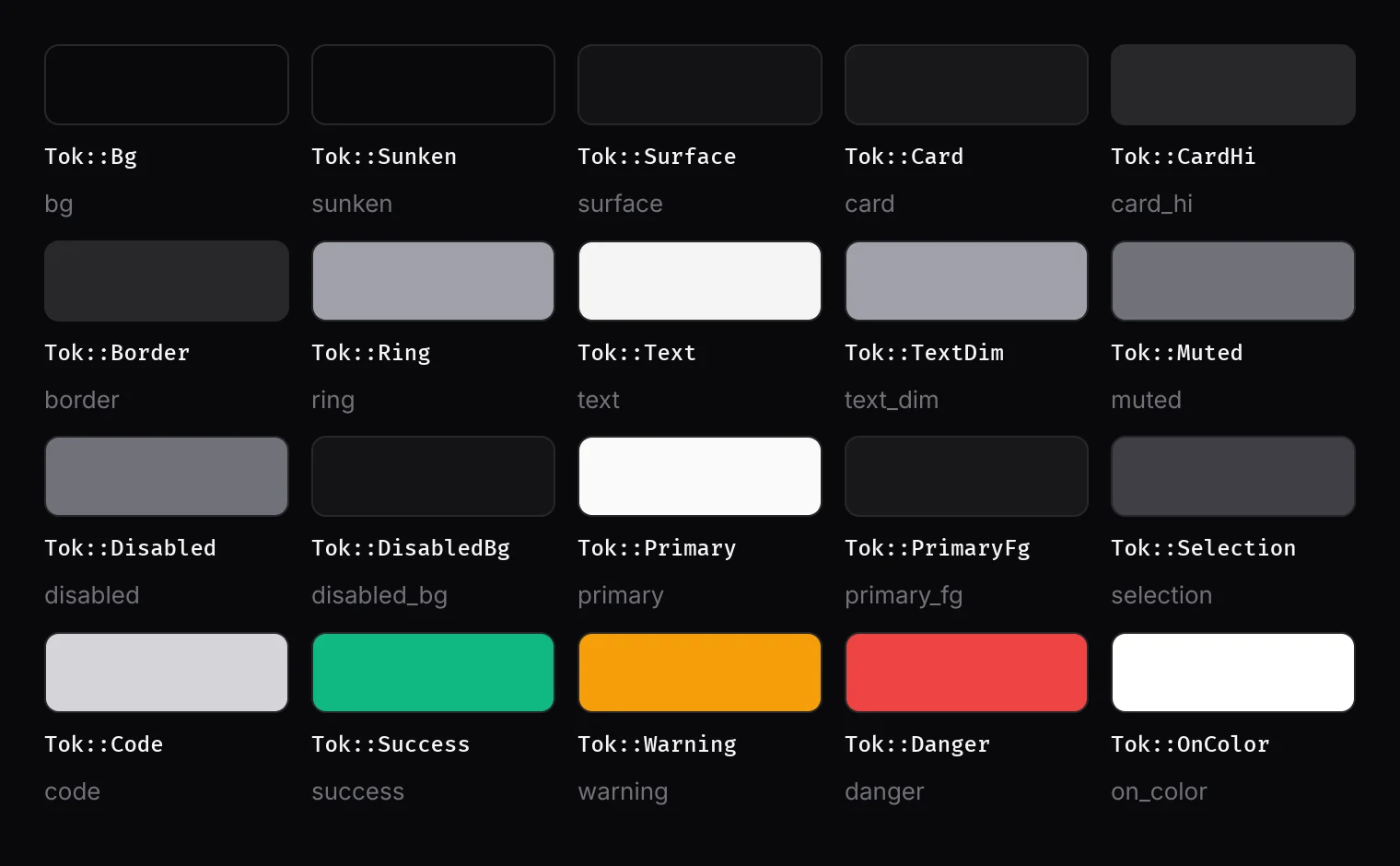
ui.set_theme(theme);| Field | Use |
|---|---|
bg | The canvas behind everything. |
sunken | Input wells, which sit below the surface around them. |
surface | Bars, headers and sidebars. |
card, card_hi | Cards; hover fills, secondary buttons and selected rows. |
border, ring | Lines; focus and selection outlines. |
text, text_dim, muted | Text; secondary text readable at body sizes; captions and hints (13 px and up only). |
disabled, disabled_bg | Disabled controls and placeholders. |
primary, primary_fg | The one main action on a screen, and the text on it. |
on_color | Text on a status fill (Delete, Done). |
success, warning, danger | Status colors. |
selection, code | Selected text; inline code. |
radius | sm 4, md 8, lg 12, pill 9999 (logical px). |
glass_alpha | How opaque a glass surface's tint is over its blur (0.8). |
In element trees, refer to colors by role (Tok::Card) and radii by name
(.rounded_lg()). They resolve when painted, so a new theme needs no rebuild. Colors
are [r, g, b, a] floats; hex(0xRRGGBB), with_alpha(c, a) and
lerp(a, b, t) help.
Layers
Three draw layers keep floating things above content whatever order you draw in: 0 is the base, 1 is floating (menus, popovers, sheets), 2 is top (toasts, tooltips, dropdowns). Shadows are for layers 1 and 2 only; content on layer 0 is separated by borders and fills.
Glass and blur
ui.glass(r, radius, tint) (or .glass() on an element) draws a blurred copy
of what is behind, tinted at the theme's glass_alpha, with the overlay shadow. Use it
on floating surfaces: it reads what layer 0 drew. ui.backdrop_blur(r, radius) blurs
without the tint. ui.set_backdrop_blur(false) turns blur off app-wide (for low-end
devices); glass then draws an opaque tint.
Motion
ADL's motion tokens, in seconds, in anvil_ui::motion:
| Token | Value | Use |
|---|---|---|
INSTANT | 0.09 | Hover, press, color changes. |
FAST | 0.16 | Tooltips, small fades, focus rings. |
BASE | 0.24 | Toasts, menus, list items entering. |
SCREEN | 0.28 | Screen transitions. |
SLOW | 0.32 | Sheets and modals. |
STAGGER | 0.04 | Delay between list items entering (at most STAGGER_MAX = 5). |
TOOLTIP_DELAY | 0.5 | Hover before a tooltip shows. |
The motion helpers on Ui. Each keeps its state by id, so call it every frame:
animate(id, channel, target, rate) -> value: eases towardtarget;motion::rate(BASE)converts a duration to a rate. The first call starts at the target, so nothing animates in from zero.spring(id, channel, target, stiffness, damping): a damped spring.motion::SPRING(260/23) overshoots about 4%;SPRING_CALM(300/35) does not.presence(id, visible, enter, exit) -> 0..1: drives something that appears and disappears; keep drawing it until the value reaches 0.entrance(id, index) -> 0..1: a staggered first appearance.shake(id)andshake_offset(id): the horizontal shake for a rejected field.pulse(hz): a 0..1 wave for pulsing indicators.
Anything that moves asks for the next frame by itself, and frames stop when it settles. With
set_reduced_motion(true) everything jumps to its end state.
Breakpoints and safe areas
ui.breakpoint() is Compact (under 640 logical px: one column, bottom
navigation), Medium (640 to 1024: two columns) or Expanded (over 1024:
split panes). ui.safe_area() is the screen minus the system bars and notch on phones;
lay out inside it. Set the insets each frame with ui.set_insets(Insets { … }) from
platform::soft_input::window_insets() on Android.